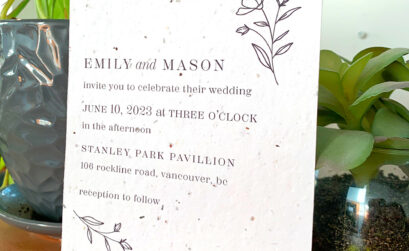



A new free, easy-to-use tool from Eventective lets you create a website for your event. Whether planning a birthday party, family reunion, baby shower or other occasion, you can customize your website for any type of event and conveniently organize and share specific event information with guests. Websites may be personalized with many elements, including theme, photos, text, guestbook, links and custom pages. Click here to get started.
Posted On:
Jul 12, 2010 at 12:51 PM
|
 eventective Administrator Posts: 271
|
 charlottp Posts: 1
|
Posted on: Nov 11, 2010 at 11:15 PM
does any one know how to delete a wedding web site wedding was canceled and when I click on events I am planning just the event comes up then I click edit and the same page stays not the edit page
|
|
[Permalink]
|
 eventective Administrator Posts: 271
|
Posted on: Nov 15, 2010 at 10:22 AM
charlottp wrote:
does any one know how to delete a wedding web site wedding was canceled and when I click on events I am planning just the event comes up then I click edit and the same page stays not the edit page
You can inactivate your event website, but you cannot delete it on your own. To inactivate, go to ‘Edit Your Event Website’ under ‘Planning Tools’ when you are signed-in to your ‘My Events’ page. Click the ‘Settings’ tab and unclick the ‘Active’ box. Click ‘Save & Continue’ to save your changes.
If you would like your event website deleted, please email us at info@eventective.com.
|
|
[Permalink]
|
Total Forum Members 1,032,237
|
|